Precision Parking Pro controls
| Action | Keyboard / mouse |
|---|---|
| Drive and steer | W, A, S, D |
| Reverse gear | R |
| Change view | Camera controls |
About Precision Parking Pro
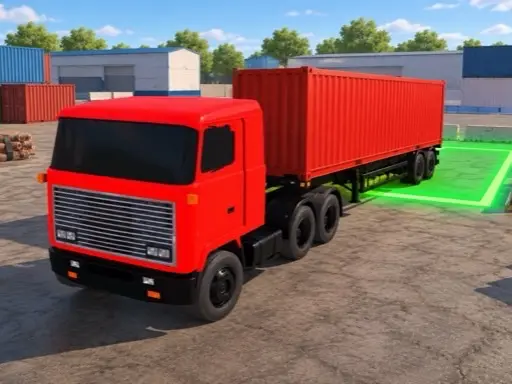
Precision Parking Pro is the toughest of our 3D parking games. The levels are set in places such as a dockside yard stacked with shipping containers, where narrow lanes, parked cars and walls leave very little room for error. Two numbers at the top of the screen keep you honest: a countdown timer and a collision counter.
It is made by Breymantech, the studio behind Furious GT Drift and Formula Apex Rush, and it has the same polished look. The car you start with is a red sports car, and the menu lets you customise it, upgrade it or swap it for something else as you earn rewards.
How to play Precision Parking Pro
From title screen to level
Press Play on the title screen and you reach the garage, where arrows browse the cars. The bar along the bottom holds Levels, Customize, Upgrade and Start. The control button at the top left chooses how you steer.
Controls
Drive with W, A, S and D. Press R to put the car in reverse, or use the D and R gear slider on the right of the screen. A help panel appears at the start of the first level to explain the controls, and a pause button sits at the top right.
Time and collisions
The timer counts down from the moment the level starts. Touching other cars, walls or containers adds to the collision counter. Park in the marked space before time runs out, without collecting too many collisions.
Rewards
Completing levels earns money, which pays for upgrades and new cars. You climb from rookie driver towards parking professional as the levels unlock.
Tips for precise parking
- Spend the first seconds looking. A plan made before moving saves more time than driving fast.
- Use reverse confidently. Swinging the rear into a bay is often the only way into tight spaces.
- Accept a slower lap. Running out of time is less common than running out of collisions.
- Approach straight. A crooked final approach is the most common cause of a scrape.
- Upgrade handling. A car that turns more sharply makes container lanes much easier.
Common mistakes
Most failed attempts come from rushing the first corner because the timer is running. In practice, the clock is generous if you drive steadily, while every collision is permanent. Another mistake is forgetting to switch out of reverse after a correction, which sends the car backwards into whatever you just avoided.
Who will enjoy Precision Parking Pro
This is for players who already enjoy parking games and want something stricter. Warm up with Car Parking 3D, or try a different kind of precision in Car Escape Parking. See all our parking games.