Car Parking 3D controls
| Action | Keyboard / mouse | Mobile |
|---|---|---|
| Forward | W or Up arrow | Right pedal |
| Backward | S or Down arrow | Left pedal |
| Steer | A and D or Left and Right arrows | On-screen arrows |
| Change camera | Camera button | Camera button |
About Car Parking 3D
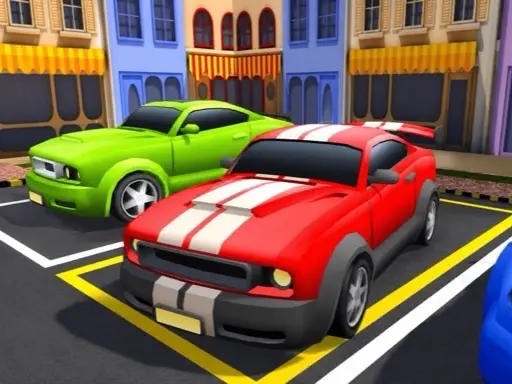
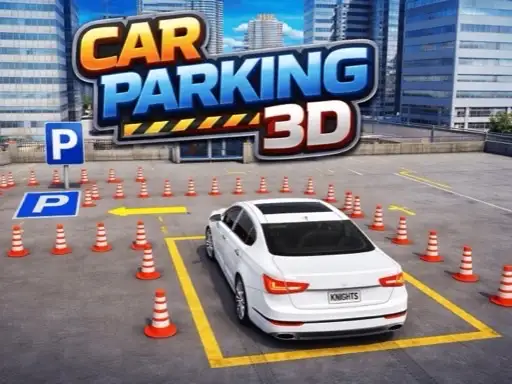
Car Parking 3D is a traditional driving-and-parking game with a modern 3D look. You sit behind a saloon car in a city yard surrounded by cones, barriers, kerbs and buildings, and the task in each level is to drive to the marked space and stop inside it without hitting anything. It is one of the most straightforward parking games on the site, which makes it a good place to learn.
The developer, John Hany, adds variety through modes rather than gimmicks. Parking Mode is the classic level-by-level challenge, Challenge Mode is a longer course and Lorry Mode swaps your car for a big truck, which changes every turn.
How to play Car Parking 3D
Main menu
The menu shows your car in front of a red garage door, with a coin total at the top. Start opens the mode selection. Garage lets you change car, and three reward buttons on the left give bonus coins.
Modes and levels
Choose Parking Mode for the standard levels. A grid of diamond-shaped level buttons appears, with Level 1 open. Pass a level to unlock the next.
Controls
When a level begins, a panel shows the keys: W or Up to go forward, S or Down to go backward, A and D or Left and Right to turn. On a touch screen, on-screen arrows and pedals appear in the corners. Home and restart buttons sit at the top left, and a camera button at the top right switches views.
Passing a level
Drive to the parking spot and stop inside it. Hitting a cone or barrier usually fails the attempt.
Tips for clean parking
- Switch camera before tight turns. A higher view makes gaps far easier to judge.
- Move in short bursts. Tapping the pedals gives more control than holding them down.
- Line up early. Straighten the car well before the space so the final approach is a straight line.
- Use reverse to correct. Backing up a car length is better than forcing a sharp turn.
- Treat Lorry Mode differently. Trucks need far wider turns, so start steering earlier.
Your first level
Level 1 begins in front of a barrier, with cones marking the route. Drive to the end of the cones slowly, using the on-screen help panel as a reminder of the keys. Do not worry about speed at first; the aim is simply to reach the space without touching anything, then repeat the level more smoothly.
Who will enjoy Car Parking 3D
It suits new players and anyone who likes calm, steady challenges. For a stricter test with a timer and collision counter, try Precision Parking Pro, or for trailers, play Truck Parking. More in our parking games.