Micro GT Racing controls
| Action | Keyboard / mouse |
|---|---|
| Player 1 drive and steer | Arrow keys |
| Player 2 drive and steer | W, A, S, D |
| Respawn | H for player 1, C for player 2 |
| Pause | Pause button |
About Micro GT Racing
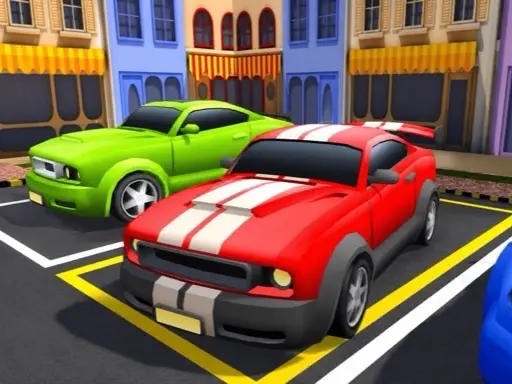
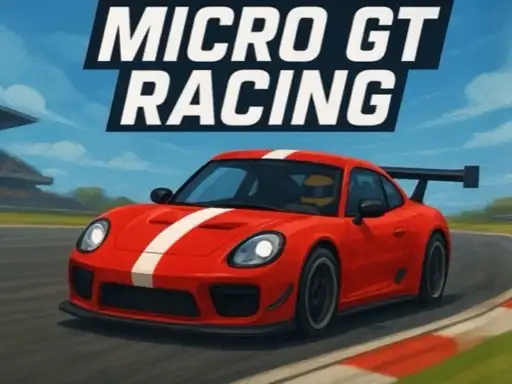
Micro GT Racing shrinks motorsport down to toy size. The cars are tiny, rounded GT racers and the circuits are chunky low-poly landscapes such as Cactus County, a red-rock desert track with tight barriers and sweeping bends. The camera sits above and behind your car, so you can see the grid around you and the next couple of corners at all times.
It comes from Breymantech, the studio behind Furious GT Drift and Formula Apex Rush, and it is the most relaxed of their racing games. Handling is forgiving, races are short and there is a proper local two-player mode, which makes it one of the easiest games on the site to share with a friend.
How to play Micro GT Racing
Solo or Versus
The title screen offers Solo and Versus, plus Settings. Solo is you against the computer; Versus splits the action between two players on the same keyboard.
Race modes
Solo opens three race modes. Championship links several races together, Arcade is a single race on a track of your choice and Time trial is you against the clock. In Arcade you choose your car, then a track and difficulty from Easy upwards, and press Start.
Controls
Player one uses the arrow keys and player two uses W, A, S and D. A reminder of the default controls appears at the bottom of the screen at the start of each race, along with the respawn keys: H for player one and C for player two.
The race
Your lap count, position and timer are shown in the top corner. Races are three laps long in Arcade, and a pause button sits at the bottom right.
Tips for winning
- Brake before the barrier, not at it. Tight chicanes punish late braking.
- Take the inside of slow corners. Computer cars leave room on the inside line.
- Use respawn quickly. If you are stuck sideways, respawning loses less time than wriggling free.
- Start on Easy. Learning each track's rhythm first makes harder settings far more enjoyable.
- In Versus, agree on a track first. Short tracks suit close, chaotic races.
Playing with a friend
Versus mode is where Micro GT Racing shines. Both players share one keyboard, so pick a short track, agree on the difficulty and race. Because the cars are small and the handling is forgiving, a beginner can still have close races with a more experienced player. Swap sides after a few races so each player tries both sets of keys.
Who will enjoy Micro GT Racing
It is ideal for younger racers and for friends sharing a laptop. For something more serious, try the career of Street Race Master, or race against the clock in Tiny Cars. Browse all our racing games.