Police Chase Simulator controls
| Action | Keyboard / mouse |
|---|---|
| Drive | W, A, S, D |
| Handbrake | Space |
| Nitro | Shift |
| Change camera | C |
| Reset or restore car | R to reset, K to restore |
| Slow motion | B |
| Pause | Tab or Escape |
About Police Chase Simulator
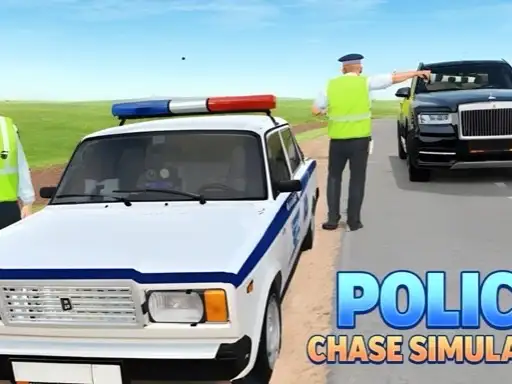
Police Chase Simulator is a driving sandbox rather than a scripted chase. You pick a car from a garage of more than 15, choose a map and then do whatever you like: race, explore, try the ramps or test how much damage the car can take. The developer, KreizLand, lists four maps: a city with wide streets and green suburbs, a moon with low gravity, a countryside area with hills and jumpable rocks, and a test area full of ramps and props.
Damage is the headline feature. Cars crumple, doors and wheels can come off and windows shatter, and a single key slows time down so you can watch a big moment frame by frame. It is all about vehicles; there are no people to hurt.
How to play Police Chase Simulator
The garage
The opening screen shows your car in a white studio. The icon on the left opens the vehicle list, the brush on the right opens the tuning screen and the big play button in the middle takes you to map selection.
Maps and modes
Choose a map, then choose between Sandbox and Race. Sandbox drops you onto the map with no objective. Race gives you a course to drive.
Controls
Use W, A, S and D to drive. Space is the handbrake and Shift the nitro. C changes the camera, R puts the car back on its wheels and K restores it after damage. B slows down time, and Tab or Escape opens the pause menu.
Tuning
The tuning screen lets you paint every part of the car and adjust the wheels, including camber, height and size.
Tips for having fun in the sandbox
- Start in the city. Wide streets make it the easiest place to learn the handling.
- Use the handbrake for tight turns. A quick tap swings the rear round junctions.
- Try the moon. Low gravity turns every bump into a long, floating jump.
- Save nitro for long straights. It is hard to control in narrow streets.
- Use slow motion on jumps. It makes landings much easier to judge.
Common mistakes
New players often hold the nitro and the accelerator together on narrow roads, which ends in a wall. Another mistake is forgetting the restore and reset keys: after a big crash, press K to repair the car and R if it is on its roof, rather than starting again from the menu.
What parents should know
The damage is about vehicles only, and there is no blood. Parents may still want to know that crashing is part of the fun.
Who will enjoy Police Chase Simulator
It suits players who like to experiment. For a structured open world with challenges, try Drive Quest, or for an arcade escape from the police, play Mr Reckless. See all our driving games.