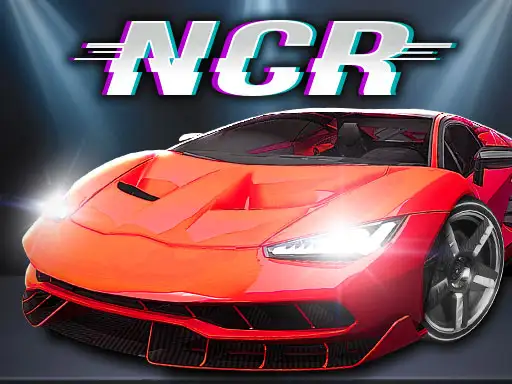
Night City Racing controls
| Action | Keyboard / mouse |
|---|---|
| Drive (one player) | W A S D or the arrow keys |
| Nitro (one player) | Left Shift or Right Shift |
| Reset the car | R |
| Look back / change camera | T to look back, C to change camera |
| Player 1 in two-player mode | Arrow keys to drive, M for nitro |
| Player 2 in two-player mode | W A S D to drive, Left Shift for nitro |
About Night City Racing
Night City Racing is a 3D driving game set in a city that never switches off its lights. You choose from ten super sports cars, tune them in the garage and take them out onto streets lit by neon signs and glowing towers. The game mixes proper races with challenges and a free driving mode, so you can switch between competing and simply cruising.
Its standout feature is the two-player mode. Two people can race side by side on the same computer, each with their own half of the keyboard, which makes it one of the best car games on the site to play with a friend or a brother or sister sitting next to you.
How to play Night City Racing
One player
Drive with W A S D or the arrow keys. Use Left Shift or Right Shift for nitro. If you get stuck against a wall or end up facing the wrong way, press R to reset the car. Press T to look behind you and C to change the camera.
Two players
In two-player mode, one player drives with the arrow keys and uses M for nitro, while the other drives with W A S D and uses Left Shift for nitro. Agree who sits on which side before the countdown.
Menus and modes
From the main menu you can start a race, try a challenge, take a car out for free driving or visit the garage. The garage is where you upgrade engines, change the look of your cars and unlock new ones.
Tips for night racing
- Learn the city in free drive. A few minutes of free driving shows you the corners before you race on them.
- Use nitro on straights. The extra speed is hard to control in tight turns.
- Reset instead of reversing. After a big spin, pressing R is usually faster than turning around by hand.
- Upgrade the engine first. More power helps in every mode, while visual changes are purely for style.
- In two-player races, watch your own screen. It is easy to get distracted by your opponent's half.
A sandbox and a racer in one
Many browser racers are either pure races or pure open worlds. Night City Racing gives you both, which keeps it interesting after the first few races.
Getting the most from the garage
The ten cars do not all drive the same way. Some feel light and twitchy, others heavy but stable at speed. Try several in free drive before committing your upgrades, and pick the one whose handling suits the way you like to drive. A car you are comfortable with will win more races than a faster car you keep crashing.
Who will enjoy it
Pick Night City Racing if you like fast cars, city lights and playing with a friend. For another neon-soaked drive, try Neon City Drift Racing, or race another person on one screen in the retro Pixel Kart. Explore more in our racing games.